✅ Quick and easy inventory of owned assets
✅ Error elimination through the use of 1D/2D
barcode identificationand RFID technology
✅ Network operation capability, real-time data access
✅ Quick and easy inventory of owned assets
✅ Error elimination through the use of 1D/2D barcode
identification and RFID technology
✅ Network operation capability, real-time data access
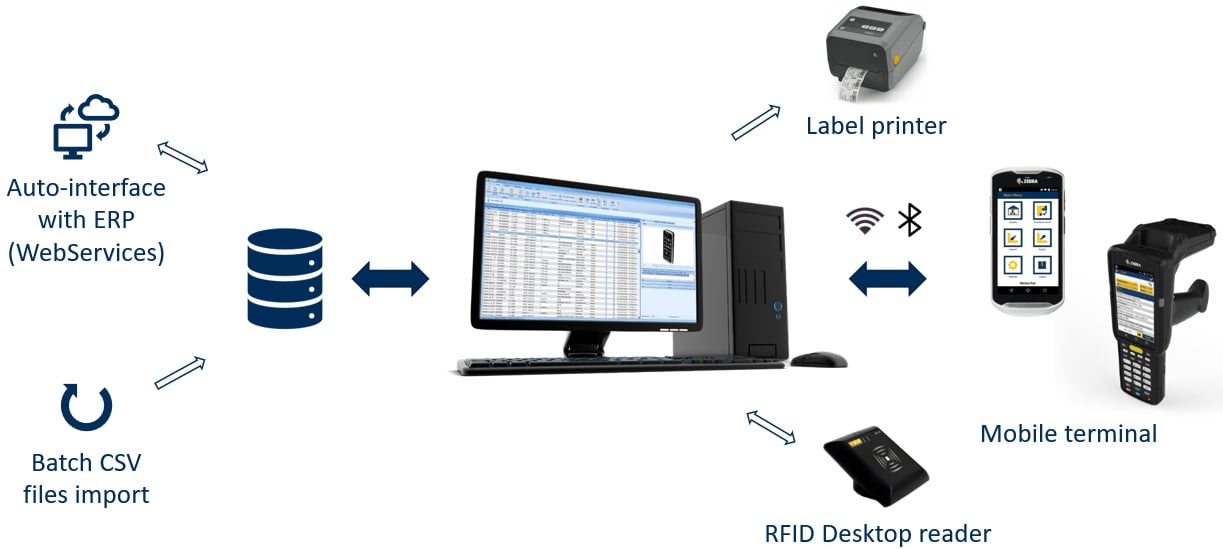

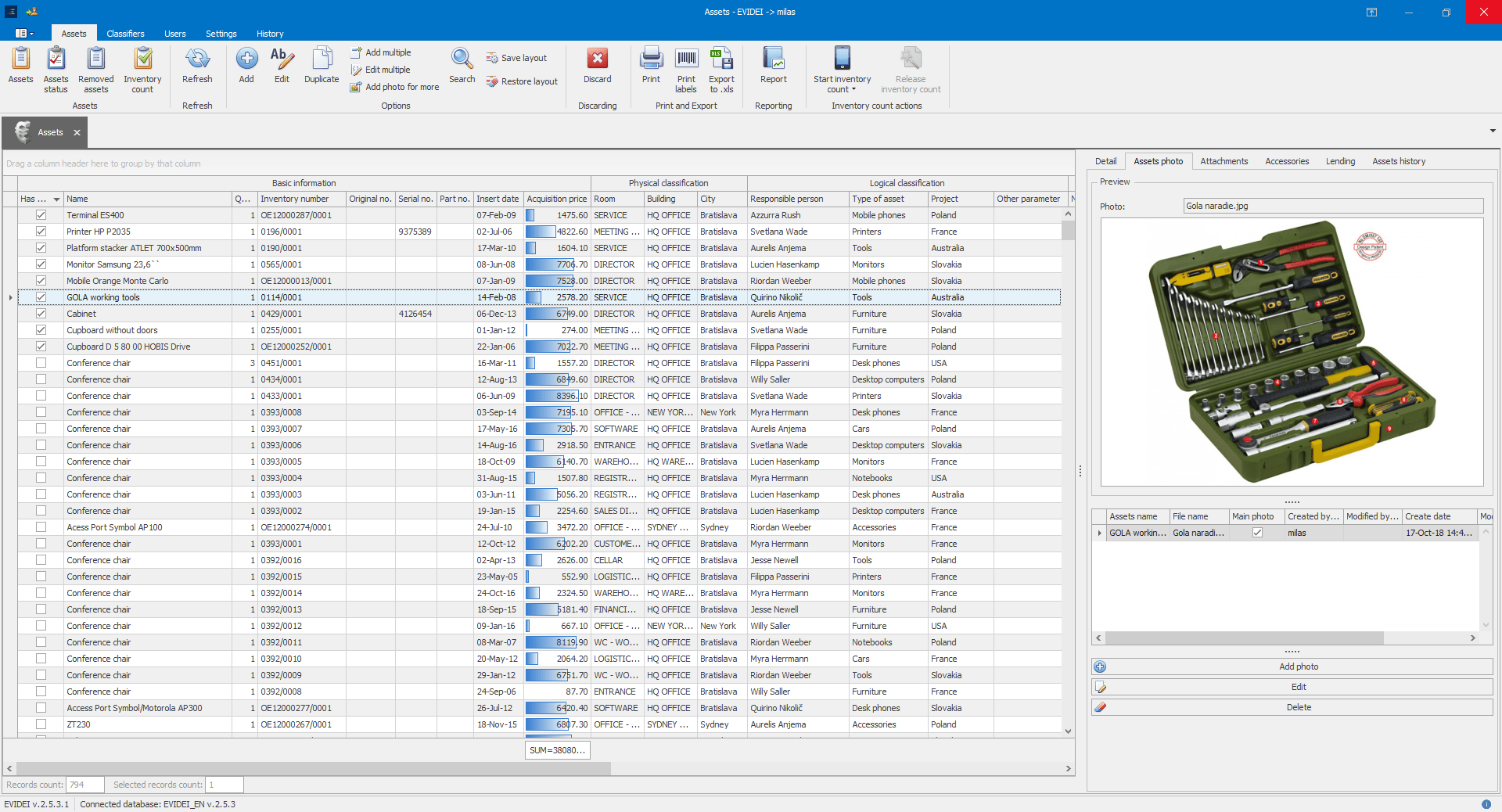
Desktop application
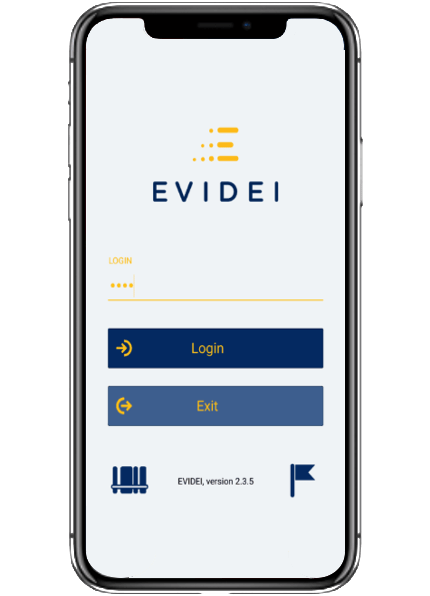
The resource overview can be conducted according to physical classification (by entering a room and scanning/reading all resources) or according to one or more logical criteria (selecting a responsible person or persons and all electronic devices belonging to them, as well as performing calculations for the selected resource).
After navigating to the resource details screen, upon scanning/entering/selecting a specific resource, it is possible to see the expected location where the resource should be located and compare it with the current location. The application allows for all resource details, changing required fields or parameters, taking a photo, selecting a predefined note, creating a custom note, and much more.
The method of selecting the resource is also recorded - whether it was scanned, entered via keyboard, read by an RFID reader, or selected by double-tapping on the resource list.
It is possible to create a new asset record or manage loans (borrowings) also through the mobile application.

The resource overview can be conducted according to physical classification (by entering a room and scanning/reading all resources) or according to one or more logical criteria (selecting a responsible person or persons and all electronic devices belonging to them, as well as performing calculations for the selected resource).
After navigating to the resource details screen, upon scanning/entering/selecting a specific resource, it is possible to see the expected location where the resource should be located and compare it with the current location. The application allows for all resource details, changing required fields or parameters, taking a photo, selecting a predefined note, creating a custom note, and much more.
The method of selecting the resource is also recorded - whether it was scanned, entered via keyboard, read by an RFID reader, or selected by double-tapping on the resource list.
It is possible to create a new asset record or manage loans (borrowings) also through the mobile application.